



 BCAA Connect
 BCAA BLOG
 TRIP PLANNING
 ABOUT BCAA
 CONTACT US
 Join Email List


How to protect yourself from online scams
4/21/2026Online scams are on the rise and phishing remains one of the most widespread tactics used by cybercriminals to steal personal information. Understanding how scams work is the first step to protect yourself.
Phishing is one tactic scammers use to trick people into revealing sensitive info, like bank account details, personal data or passwords. It often involves fraudulent emails that appear trustworthy but are designed to deceive. Scammers may also use text messages, known as Smishing, phone calls, known as Vishing, or enticing fake online promotions or advertisements.
Scams come in many different disguises. It could be a message congratulating you for winning a contest, transferring you some money or urgently asking you to share some personal or payment information. Some scams may appear highly legitimate, using real company branding, altered documents, or cloned websites. For example, here’s an attempt that falsely poses as BCAA/CAA and tricks people into thinking they won a ‘Car Emergency Kit’.
At BCAA, a big part of our purpose is to protect people in BC, so here are some helpful tips on how to recognize these threats and stay safe when you're online.
First, here’s a list of things that BCAA will never do.
- We will never ask for your credit card or bank details by email or text message.
- We will never pressure you to make a payment or threaten account suspension.
- We will never ask you to share your online password or personal security information with anyone – not even our own team members.
- We will never send you unsolicited links asking you to log in or verify your details.
- We will never ask you to download software or give remote access to your device.
- We will never contact you from suspicious or unofficial email addresses or phone numbers.
- We will never ask you to pay via gift cards, cryptocurrency or wire transfers.
- We will never ask you to confirm sensitive information unless you're securely logged into your online account at bcaa.com.
- We will never ignore your questions or make you feel uncomfortable when you ask for verification.
How to spot scam attempts
Scams come in various forms, but they often follow predictable patterns. Here are some key signs to watch out for:
- Claim to have noticed suspicious activity or login attempts on your accounts.
- Ask you to confirm personal information.
- Offer you refunds, prizes and free stuff.
- Urge you to click on a link or download some attachment.
- Create urgency or pressure you to act quickly, including prompts to purchase coverage or make immediate payments.
- Spell words wrong in the sender’s email address. Most scammers will use a fake version of a real organization’s email domain, like yourbcaa.ca.
- Send you poorly written messages with spelling and grammar errors.
- Send you generic greetings like “Dear Customer”.
- Give you an urgent tone or threaten you, e.g., “Your account will be locked if you don’t respond immediately.”
- Your email server shows you an alert message that warns you they can’t verify the sender.
Familiarize yourself with the following types of scams:
- Emails
Cybercriminals will often register fake email addresses that closely mimic legitimate organizations – but change the email address ever so slightly. They send out generic requests, hoping to trick you into clicking their harmful links or share your private data.
Example: You get a phishing email that claims to be from your bank, but with a slightly different email address to normal. It warns of ‘suspicious activity’ in and urges you to click a link to confirm your account details immediately. - Spear phishing emails
Unlike general phishing emails, these are highly targeted and personalized. In this case, attackers find out personal information about you to make their scams more convincing.
Example: You get an email that references your recent online purchases, includes your name or mentions the names of your loved one, urging you to click a link to verify the information. - Text messages (SMS), a.k.a. Smishing
Scammers use text messages (SMS) to send fraudulent messages, often containing malicious links.
Example: A text message claims you’ve won a prize like a cruise or a gift certificate and you just need to input your personal info to claim it. - Phone calls, a.k.a. Vishing
Scammers pretend to be from reputable organizations and attempt to obtain personal or financial information. They may run online advertisements with a fake phone number, to trick you into calling them instead of the organization you intended to contact.
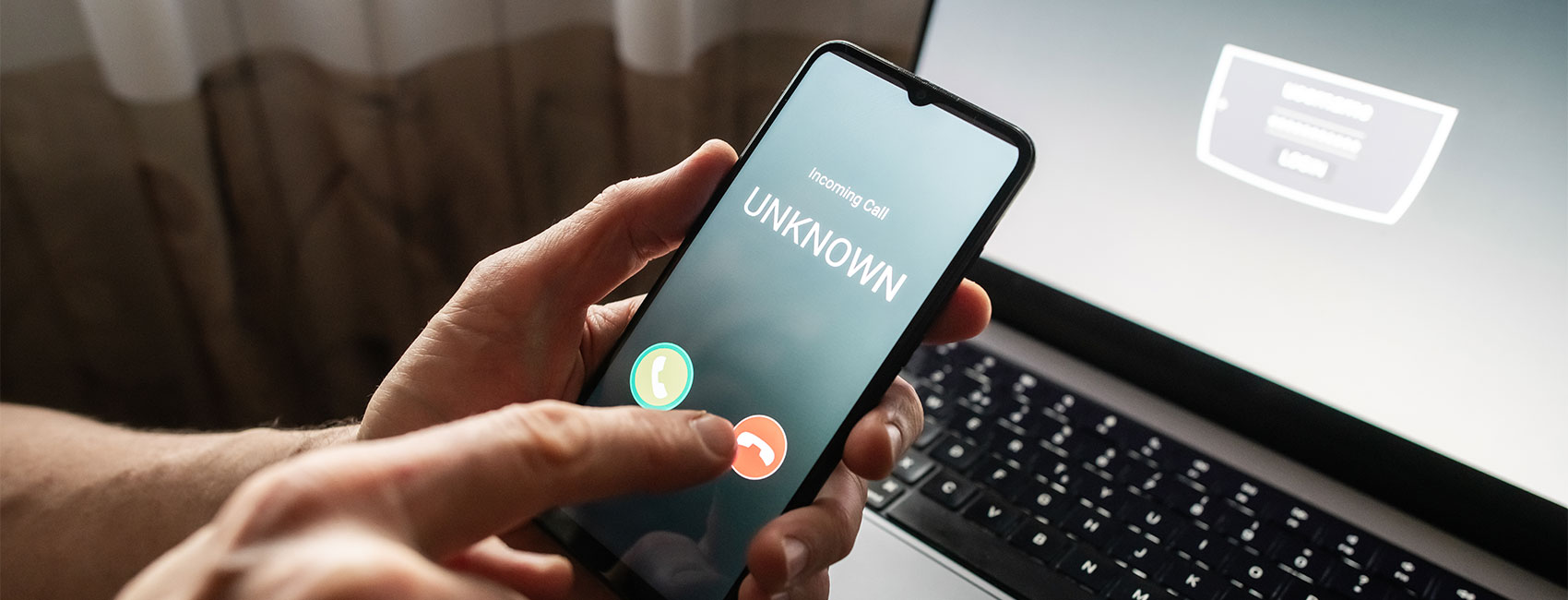
Example: A call from an ‘unknown number’ or ‘suspected spam’ says you have a parcel waiting for delivery and asks you to reveal sensitive information like your bank details or passwords.

Here’s how to stay safe from scams
- Be extremely cautious with links and attachments
Hover over links to verify their destination before clicking. If anything seems unclear or suspicious, contact the company directly using the contact information on their legitimate website rather than details provided in the message. - Verify their communication
If you receive an unexpected communication and are unsure about its legitimacy, do not engage. Always call them back using official contact details found on the company’s website. - Use security and antivirus software
To help protect yourself against malware, install and update antivirus software on all your devices. - Set up ‘two-step verification’ or ‘multi-factor authentication’
Many services offer additional layers of security, such as text verification codes to your mobile phone or an authentication message sent to another device – this is two-step or multi-step authentication. Having two steps of verification makes it harder for cybercriminals to access your accounts, even if they have your password. Here are the leading authenticator apps. - Don’t reuse your password
Use unique passwords for each new account and update them regularly. If you need to keep track of them securely, consider using password manager software. Here is how to create a strong password in 7 easy steps.
What to do if you suspect you’ve been scammed
Taking quick action can limit the damage if you have been targeted by a scam. We recommend you:
- Report the attack: Don’t suffer in silence. Notify the implicated organization and report the attempt to the Canadian Anti-Fraud Centre. You likely won’t be the only one who got attacked.
- Update your passwords: Change your passwords for any accounts that potentially were compromised.
- Run a malware scan: Use security software to check your device for malicious programs. Windows, Apple and Google Chrome have their own malware scanning software built-in, or you can buy an antivirus software from a trusted source. Disconnect your device from the Internet if necessary.
- Monitor your accounts: If you suspect your identity has been stolen, keep an eye on your accounts for suspicious activity or unauthorized transactions.
Keep informed and stay protected
Scams are a constant concern, but understanding the scammers’ tactics can help to keep you safe online.
If you think you have received a communication from BCAA that seems suspicious, please refer to our Online Phishing Alert FAQ. Learn more about how to recognize and avoid phishing attacks from the Canadian Centre for Cyber Security.





 REQUEST SERVICE ONLINE
 Your BCAA Membership card number
 Your current location